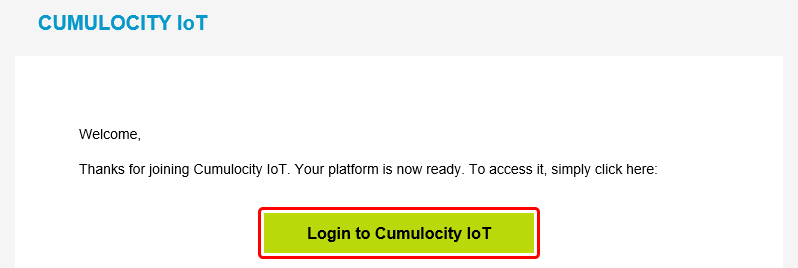
Wait a few minutes after the registration and open your email account. You should have received an email with the subject 'Welcome to Cumulocity IoT'. Open the email and click 'Login to Cumulocity IoT'.
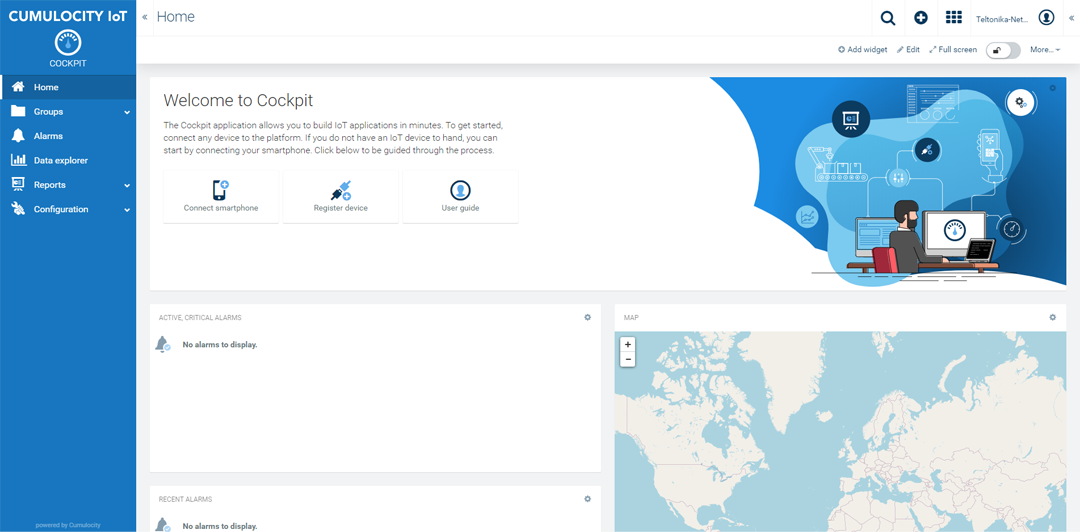
Upon a successful login you should be redirected to the Cumulocity Cockpit.
Device configuration
To
Log in to your device's WebUI.
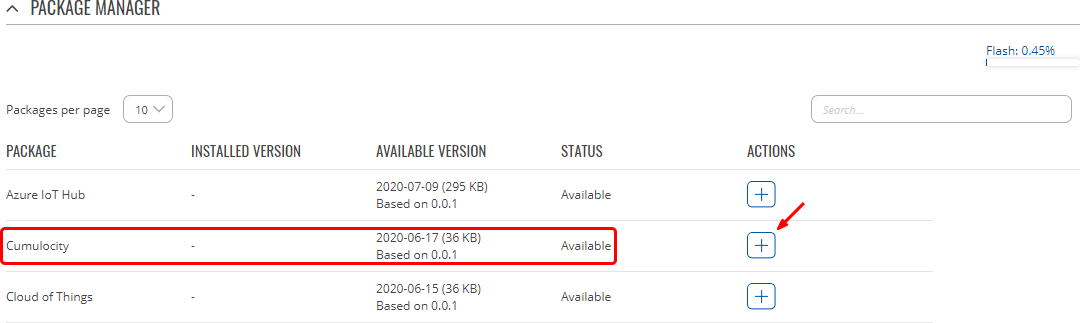
Go to Services → Package Manager and install Cumulocity.
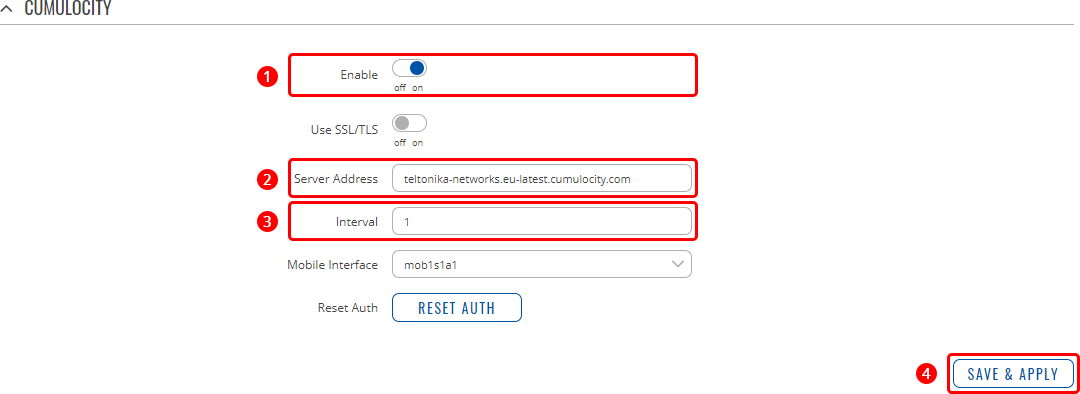
Go to Services → Cloud Solutions → Cumulocity and configure it as follows.
Enable Cumulocity
Specify your Cumulocity server's address in the 'Server Address' field.
Set a connection frequency interval (at least 1 minute).